

Table of Contents
- Why Tracking New Pop Releases Matters
- Setting Up New Music Release Alerts
- Checking Upcoming Album Release Dates
- Using a Music Release Calendar
- Discovering New Music Through Apps and Playlists
- Building Your Personal Pop Release Tracking Workflow
- Common Mistakes to Avoid When Tracking Releases
- Frequently Asked Questions
Last Updated: October 17, 2026
Why Tracking New Pop Releases Matters
Pop music moves fast: to track new pop releases, you need to monitor albums dropping, singles charting, and songs going viral within days.
New music comes from everywhere: streaming platforms release thousands of songs daily, artists announce surprise drops on social media, and independent labels operate outside major channels.
At Pop Pelican, we help collectors and fans track down their favourite items, whether that's limited-edition merchandise or the latest releases.
Setting Up New Music Release Alerts
Release alerts notify you the moment new music drops, straight to your phone or email.
Enabling notifications on Spotify and Apple Music
Spotify: open an artist's profile and tap the bell icon to enable notifications for new music, tours, and playlists, plus weekly release emails.
Apple Music: go to an artist's page, tap "+" to add them to your library, then enable notifications for new releases and exclusive content.
Both platforms let you customize alert frequency to avoid notification overload.
Using artist follow features for instant updates
Following artists is the foundation of any tracking system: their releases appear in your feed automatically.
On Spotify, following an artist adds their releases to your Release Radar and feed. Apple Music shows followed artists' releases in your "Listen Now" tab, with optional notifications. YouTube Music puts new releases in your subscriptions feed with optional upload alerts.
The key is consistency: follow every artist whose work matters to you.
Checking Upcoming Album Release Dates
Knowing when albums drop helps you plan listening time and catch surprise releases.
Finding official release announcements
Artists announce releases through official channels first. Check these sources:
- Artist social media: Instagram, Twitter, and TikTok are where artists post announcements. Follow your favourites and enable notifications.
- Official websites: Many artists maintain sites with tour dates and release calendars. Bookmark and check them weekly.
- Label announcements: Labels post upcoming releases on their sites and social accounts.
Official announcements usually come 2-4 weeks before release.
Verifying dates across multiple sources
Release dates shift, so cross-check Spotify's "New Releases" section, Apple Music's release calendar, the artist's official website, and major music news outlets. If dates differ, the official artist announcement is most reliable; streaming platforms occasionally lag a day or two, especially for international releases.
Using a Music Release Calendar
A dedicated release calendar keeps all your tracked releases in one place, but it's only as good as the data feeding it.
Calendar tools and websites for pop releases
Several tools specialise in music release tracking, each with a different strength.
- AllMusic offers a comprehensive release calendar with genre and date filters, strong for breadth and editorial metadata.
- Songkick tracks releases alongside tour dates in one feed.
- Bandsintown combines release tracking with concert alerts and weekly summary emails.
Most tools pull followed artists from your streaming accounts automatically, but the calendar inherits any gaps in your follows, so audit that list periodically.
Filtering by genre and favourite artists
The power of a release calendar lies in filtering, narrowing results to pop and avoiding genres you don't follow. Set up filters for:
- Genre and subgenre: Select "Pop," then narrow to dance-pop, synth-pop, or indie pop where supported.
- Date range: A rolling four-week view is usually enough to plan listening without overwhelm.
- Favourite artists: Separate "must-hear" artists from "check if time permits" artists.
This keeps your calendar focused on what matters.
Verifying dates, delays, and regional timing
Release dates are less fixed than they look: platform dates can differ from official announcements, and regional timing shifts local availability. A few habits keep your calendar accurate:
- Treat the artist's official announcement as the primary source. Social posts, official websites, and label announcements usually carry the intended date before platforms update their metadata.
- Cross-check the release type. A "new release" tile can be a single, reissue, deluxe edition, or remix rather than a new album.
- Expect short-notice changes. Re-check dates in the week before a scheduled drop.
- Account for time zones. Releases typically go live at midnight in a reference market, so local availability can fall on the previous or following day.
- Note platform exclusives and windows. If a track is missing from your main service, check the artist's store and social channels before assuming the date was wrong.
When sources disagree, the official artist channel usually wins, and platforms catch up within a day or two.
Discovering New Music Through Apps and Playlists
Beyond artists you already follow, discovery playlists introduce new pop aligned with your taste.
Playlist updates and curated recommendations
Streaming platforms update their pop playlists constantly. Subscribe to playlists like:
Shakira - Oral Fixation Pop! Album (Pop! Vinyl) →
- Spotify: "Today's Top Hits," "Pop Rising," "New Music Friday"
- Apple Music: "A-List Pop," "Breaking Pop," "New Music Daily"
- YouTube Music: "Pop Rising," "Today's Top Hits," "New & Trending"
These playlists update weekly or daily. Save them and check them during your weekly review.
Curated recommendations also appear in your home feed: Spotify's "Release Radar" and Apple Music's "Listen Now" show new releases based on your listening history.
Weekly new music playlists and genre feeds
Many platforms offer weekly compilations that aggregate the past week's best new pop releases into a single playlist. New Music Friday is the industry standard, released every Friday on all major platforms.
The benefit is curation: instead of sorting through thousands of releases, you get standout tracks that save time and expose you to new artists.
Building Your Personal Pop Release Tracking Workflow
The most effective tracking systems combine multiple methods into one workflow, so you catch releases even if one method fails or lags.
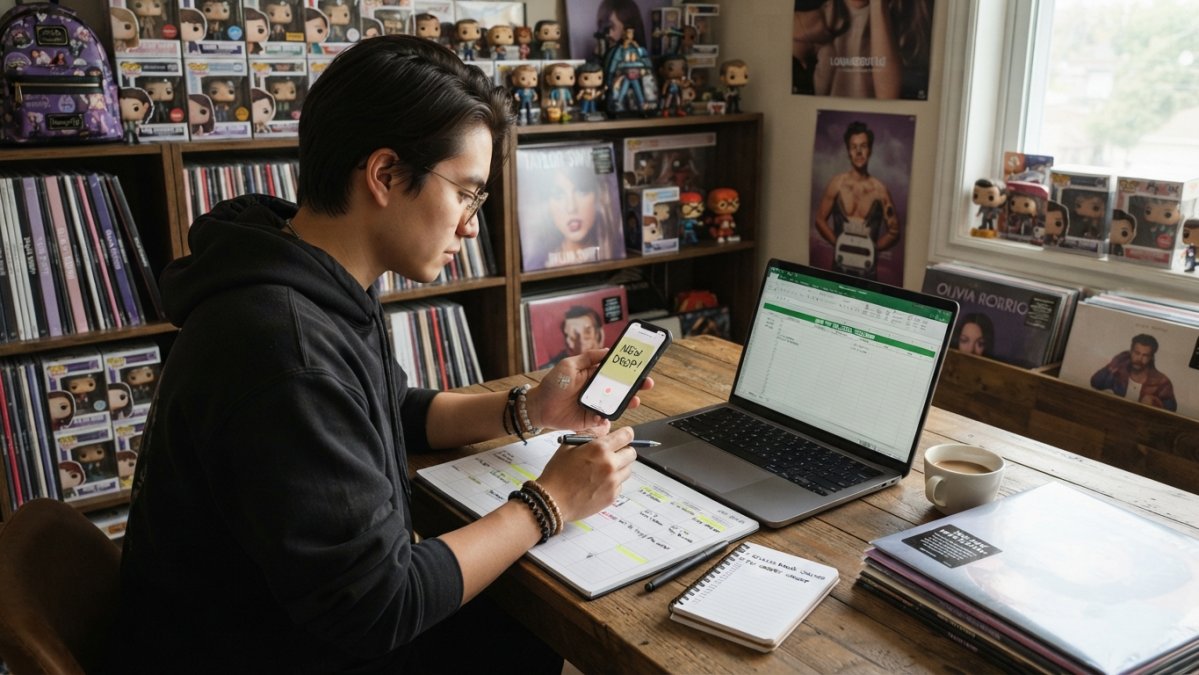
Comparing tracking methods by coverage and convenience
No single method catches everything. The table below compares the main options.
| Method | Coverage | Convenience | Main limitation |
|---|---|---|---|
| Streaming-platform follow and alerts | Strong for major-label pop on that platform; weaker for independent and exclusive releases | Very high, set once and forget | Tied to one service; notification settings can be buried or reset after app updates |
| Dedicated release calendar or database | Broad, including release type and date metadata | Medium, needs periodic review | Data can lag official announcements; regional editions vary |
| Weekly curated playlists | Strong for prominent pop releases; good for discovery | High, one weekly check | Editorial selection means smaller or niche releases are missed |
| Artist social media and newsletters | Strongest for surprise drops and direct-to-fan releases | Low, requires active following | Noisy; easy to miss posts in a busy feed |
| Community forums and recommendation threads | Good for niche subgenres and regional scenes | Medium | Variable accuracy; requires cross-checking |
A common pattern: streaming alerts for artists you never want to miss, a release calendar for breadth, and social media or newsletters for artists most likely to drop surprises. That combination covers each method's weaknesses.
A step-by-step setup, from zero to a working system
If you're starting from nothing, build in stages, it's easier to maintain and shows which methods you actually use.
- List your must-hear artists. Start with the 5-10 artists whose releases you never want to miss.
- Follow those artists on your main streaming service and enable release notifications. Re-check settings after each app update.
- Add a second source for the same artists. A release calendar, newsletter, or social channel backs up the streaming alert.
- Add breadth with a weekly playlist check. Subscribe to one or two pop-focused new-music playlists and review them at the same time each week.
- Add discovery for artists you don't yet follow. Use curated recommendations and community threads, then promote favourites into your must-hear list.
- Review and prune monthly. Remove artists you no longer follow closely and add new ones.
You only need the first two steps to start catching releases.
Free versus paid features, notifications, and privacy
Most tracking methods above can be run at no cost, but free tiers differ in ways that matter.
- Streaming services: Free tiers include artist following and some recommendations; paid tiers mainly add offline listening and higher audio quality rather than better release tracking.
- Release calendars and databases: Many offer free browsing with optional accounts for watchlists and email alerts; paid tiers tend to add export, feed, or advanced filtering.
- Notification controls: Check what each service can send, push, email, or both, and turn off anything you won't read. Notification fatigue is the most common reason tracking systems get abandoned.
Setting a weekly review routine
Consistency matters more than complexity. Set aside 30 minutes weekly to review new releases, Sunday evening works well.
During your weekly review:
- Check your release calendar for upcoming drops and confirm dates against official announcements
- Listen to your subscribed new-music playlists and note standout tracks
- Scan followed artists' social media for announcements and collaborations
- Add standout tracks to your personal playlists
This routine keeps you current without daily effort.
Common Mistakes to Avoid When Tracking Releases
Even with a solid system, common pitfalls can derail your tracking.
Not updating your followed artists list. Periodically audit your follows to keep alerts relevant and prevent notification fatigue.
Skipping release calendar verification. Dates change, so cross-check across multiple sources before marking your calendar.
Overlooking featured artists. When your favourite artist features on another artist's track, you might miss it.
Tracking new pop releases doesn't require complex systems or hours of effort.
Pop Pelican helps collectors stay connected to the music and merchandise they love. Browse our Shakira - Oral Fixation Pop! Album (Pop! Vinyl) and other music-themed collectables, or explore our full range of officially licensed merchandise.

Frequently Asked Questions
How can I find out when my favourite pop artists release new music?
Follow your favourite artists on Spotify, Apple Music, or YouTube Music and enable notifications for new releases. Most streaming platforms send automatic alerts when an artist you follow releases new songs or albums. You can also check the artist's official social media accounts or subscribe to their email newsletter for direct announcements about upcoming releases.
What is the best way to track upcoming album release dates?
Use a combination of methods: enable artist alerts on streaming platforms, check music release calendars dedicated to pop music, and follow official artist accounts on social media. Cross-reference dates across multiple sources to account for time zone differences and potential delays. Websites and apps that aggregate release schedules help you see all upcoming albums in one place, making it easier to plan your listening.
Which new music discovery apps are best for tracking pop releases?
Popular new music discovery apps include Spotify's Release Radar and New Music Daily playlists, Apple Music's A-List Pop playlist, and dedicated release-tracking services. Many of these apps offer automatic weekly updates and personalised recommendations based on your listening history. Some apps allow you to filter specifically for pop releases and set notifications for artists you follow, ensuring you never miss a new single or album.
How often should I check for new pop releases?
Most pop releases follow a weekly cycle, with Friday being the standard release day in many markets. Check your tracking apps and playlists weekly, ideally on Fridays or Saturdays, to catch the latest releases. If you have enabled notifications on your streaming platform, you'll receive alerts automatically, so daily checking isn't necessary unless you want to discover additional recommendations or explore new artists beyond your usual favourites.


